Current User Guide // ONO-SYS-64
OPERATOR'S
FIELD MANUAL
ONO Tape Deck is a private digital cassette system. You create an account, receive a temporary C30 loaner tape, record or upload audio in the Workshop, seal the tape, play it from the Vault, and move permanent assets through controlled transfer links. New operators start at Protocol 01 and follow the numbered sequence; Protocols 11–14 cover the Shop, incoming Claim dispatches, deck Settings, and fault recovery. Use the protocol index to jump straight to a section.
ACCOUNT
REGISTRATION STATUS: PAUSED. New operator intake resumes with the next release; existing operators sign in as usual.
Create an account with email verification or a supported sign-in method. After your account is active, ONO assigns an operator profile and grants one [ LOANER TAPE ] — a C30 shell with roughly 15 minutes per side. The loaner lets new operators try the full record → seal → play flow before owning a permanent tape. Every successful authentication lands you in the Vault.
VAULT
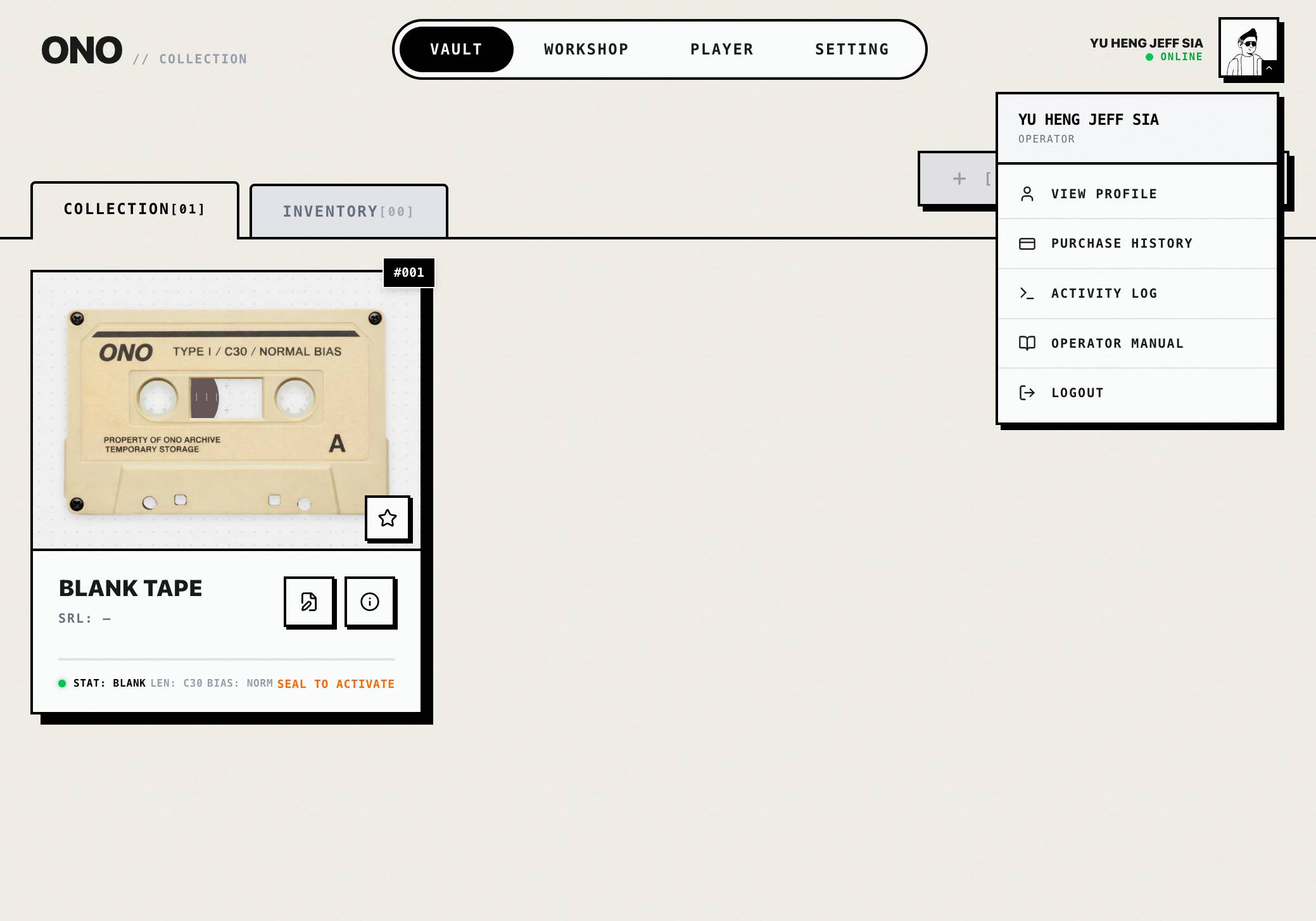
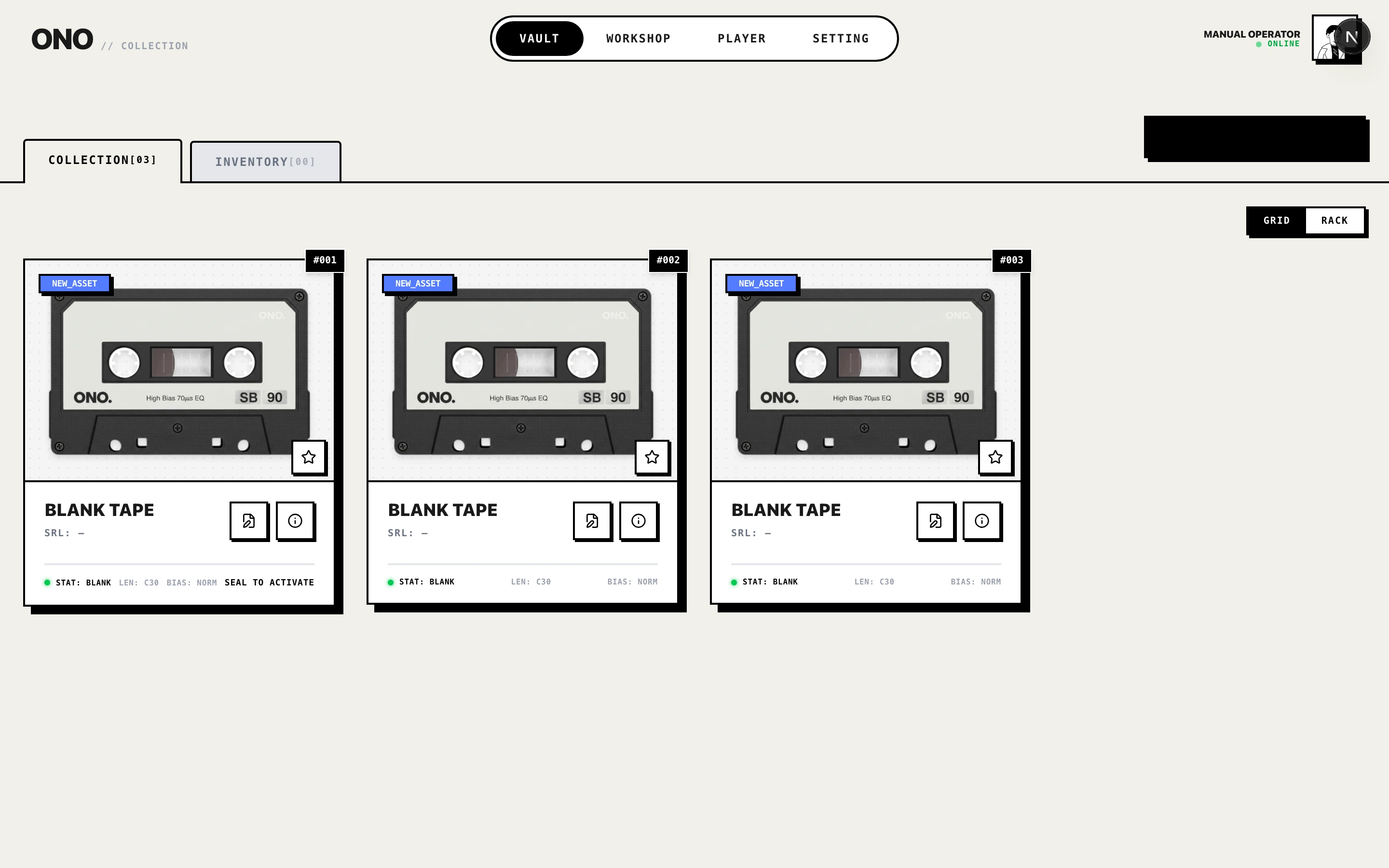
The Vault is your main inventory screen. [ COLLECTION ] contains opened tapes in every state: blank, draft, sealed, archived, and playable. [ INVENTORY ] contains unopened packs, which appear as [ CLASSIFIED PACK ] units with an unknown serial until you open them.
WORKSHOP
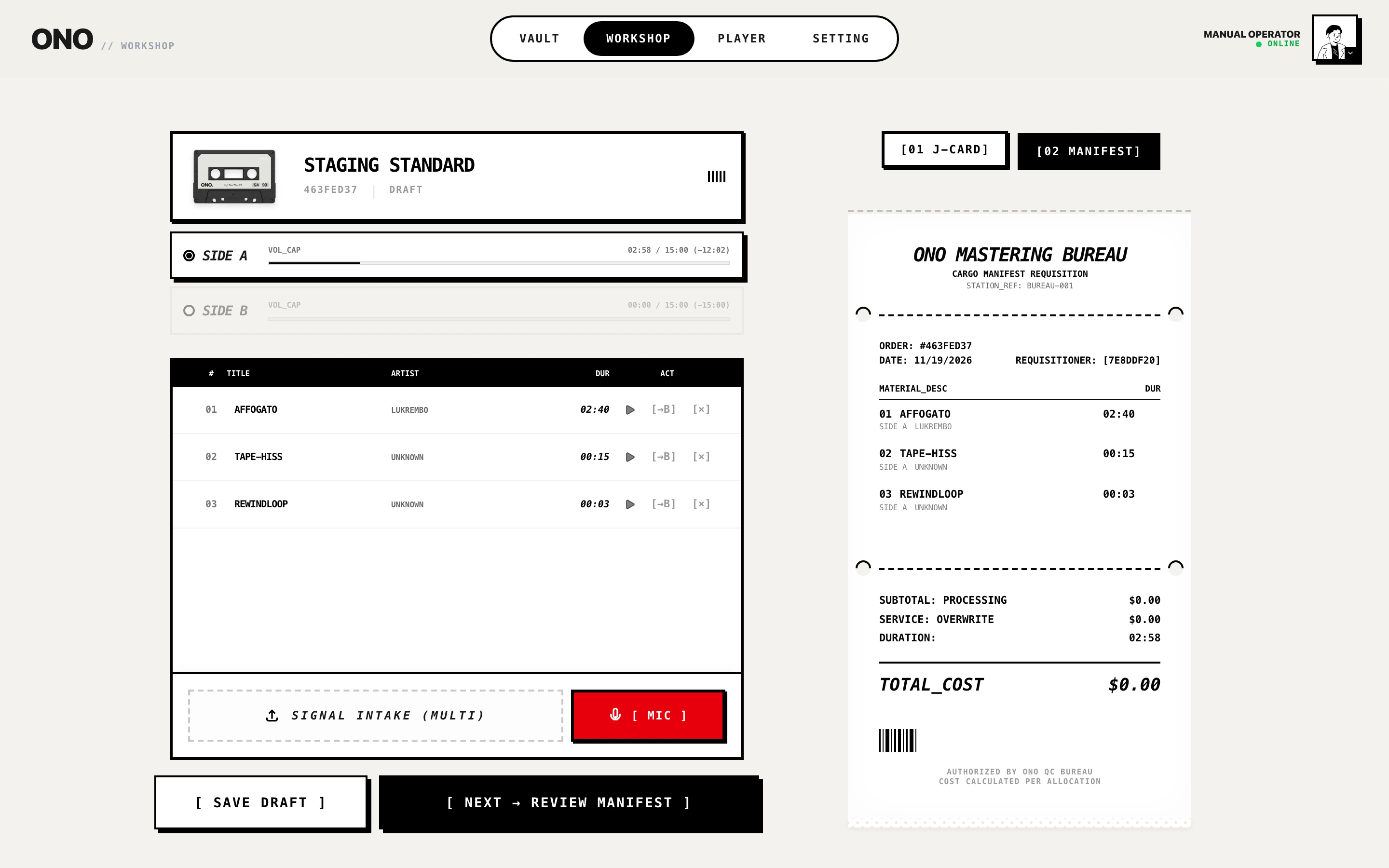
The Workshop is where blank or draft tapes become recordings. You can upload audio files or capture a new signal from your microphone. Tracks are assigned to Side A or Side B and must fit within the tape capacity — a C30 holds 15 minutes per side.
SEALING
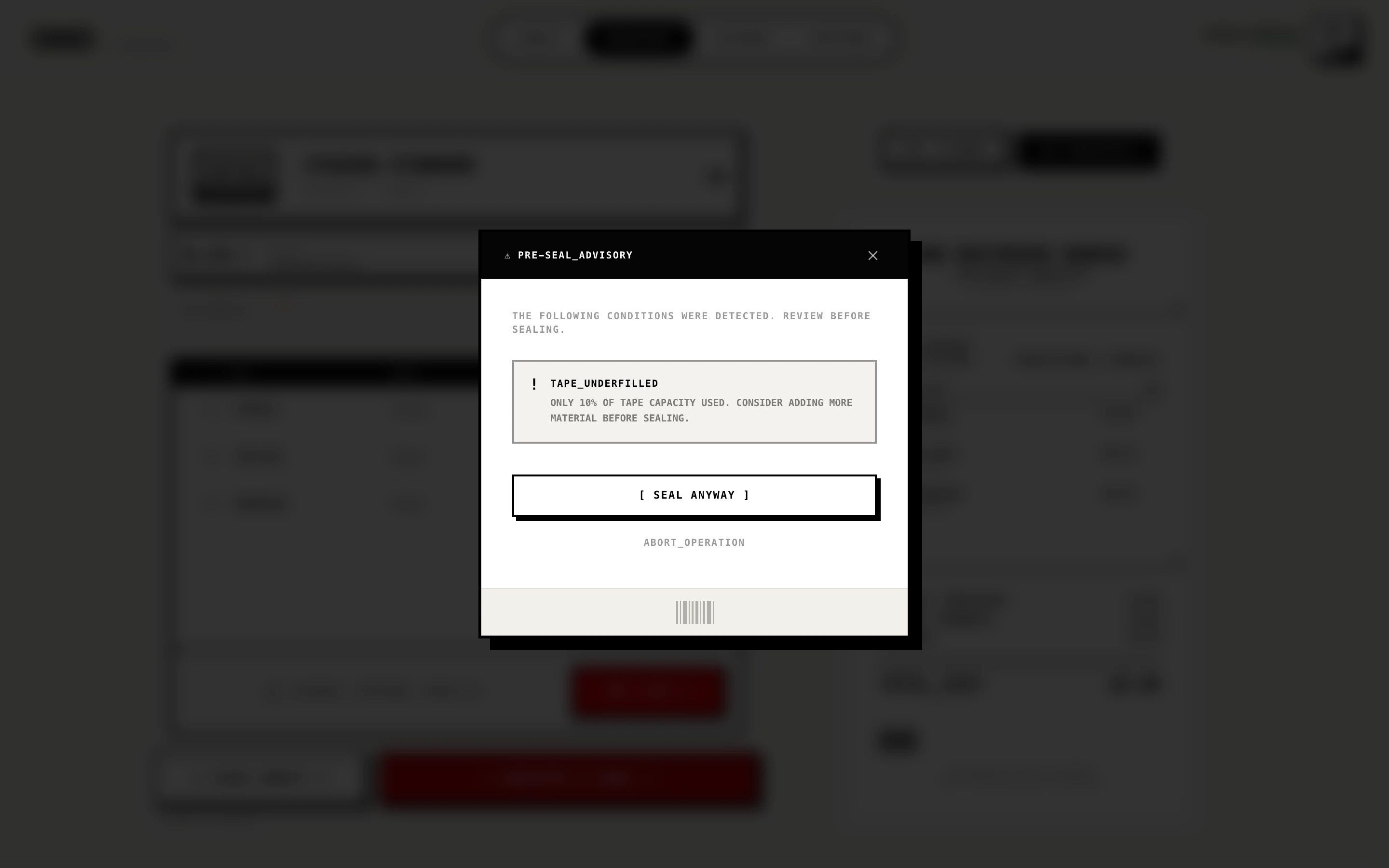
Sealing turns a draft recording into a finished tape. After sealing, the tape becomes playable in the Player. If you are sealing a loaner tape, ONO starts a 30-day expiry clock at that moment. Use that window to dub the loaner contents into a permanent tape if you want to keep them.
CHECK YOUR TRACK ORDER AND TAPE LABEL BEFORE SEALING. SEALED TAPES ARE TREATED AS FINISHED ASSETS.
PLAYER
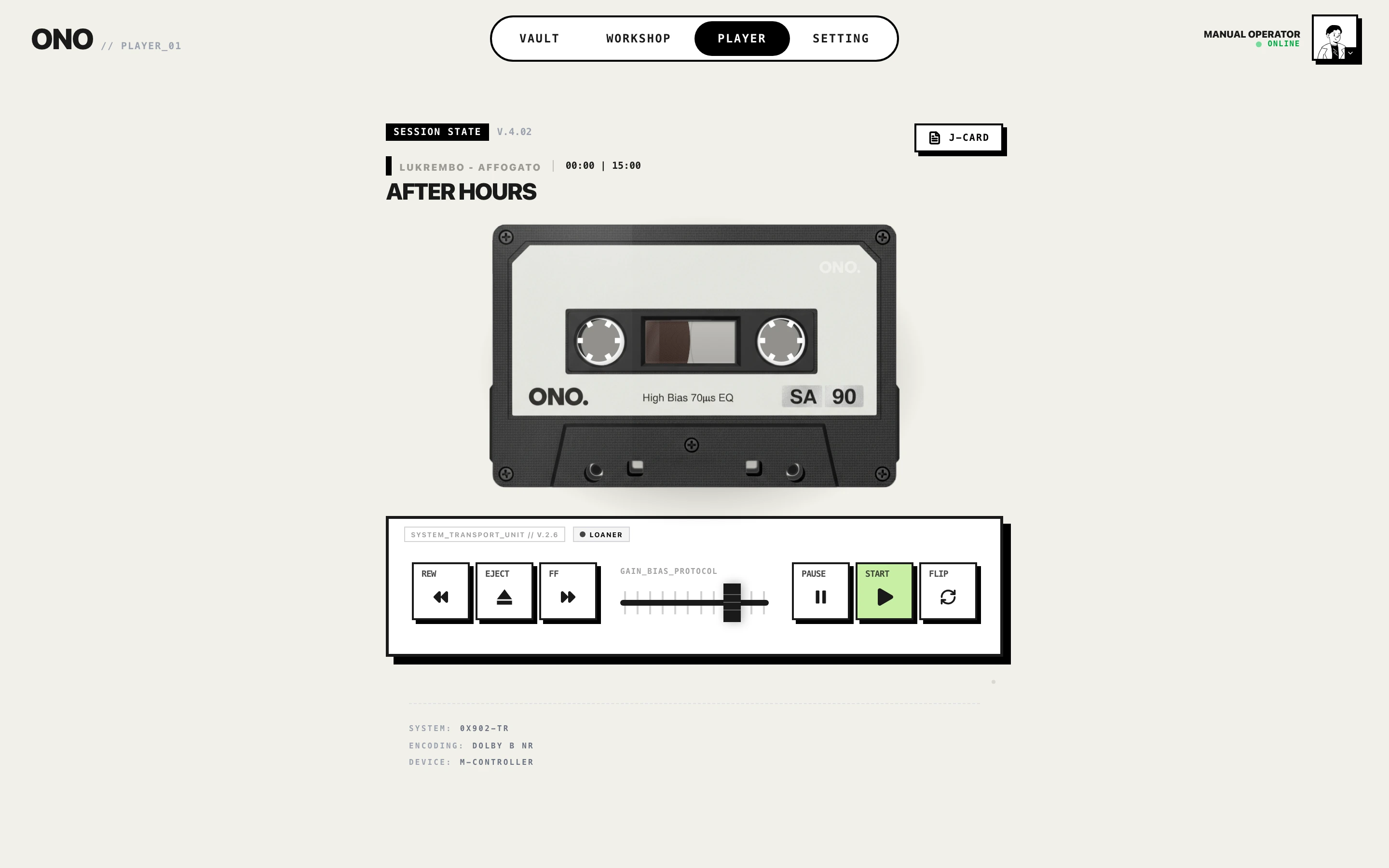
The Player is the listening surface for sealed tapes. Open a tape from the Vault or asset inspector and press [ PLAY CASSETTE ], or enter the Player route and insert a cassette. Loaner tapes can be played while they are valid; expired loaners are locked out of the deck.
LOANER
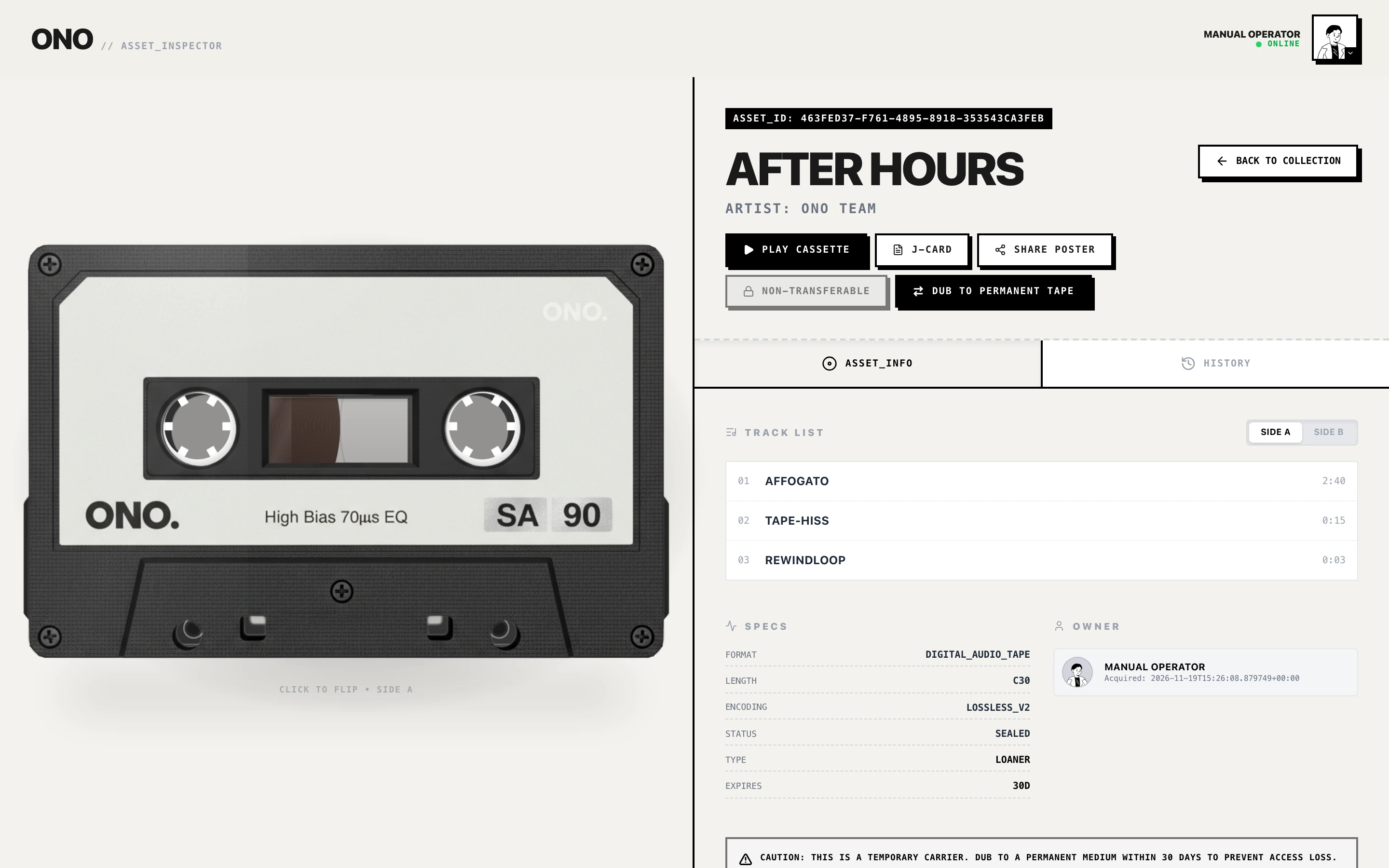
A loaner tape is temporary. Every operator receives one C30 loaner after sign-up; ONO never grants a second one. Loaner tapes are non-transferable, cannot be rewritten, and their note locks once sealed. After a loaner is sealed, it receives a 30-day expiry window. To preserve the recording, dub it into a permanent blank or draft tape.
DUBBING
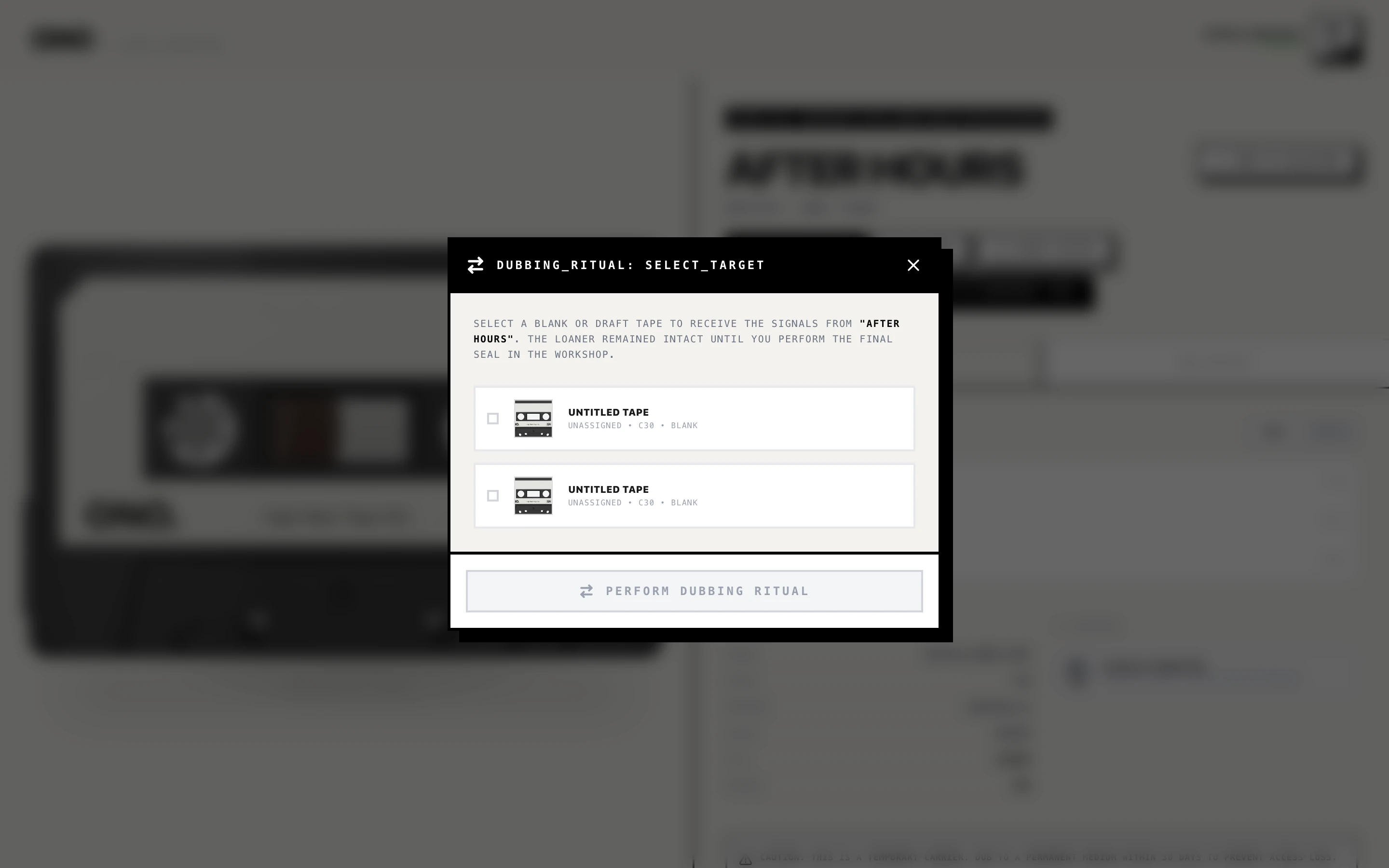
Dubbing copies the signal from a loaner into a permanent blank or draft tape that you own. This is the recommended path for keeping a loaner recording before it expires. Preparing a dub replaces any tracks already on the target tape and puts the target into [ DRAFT ].
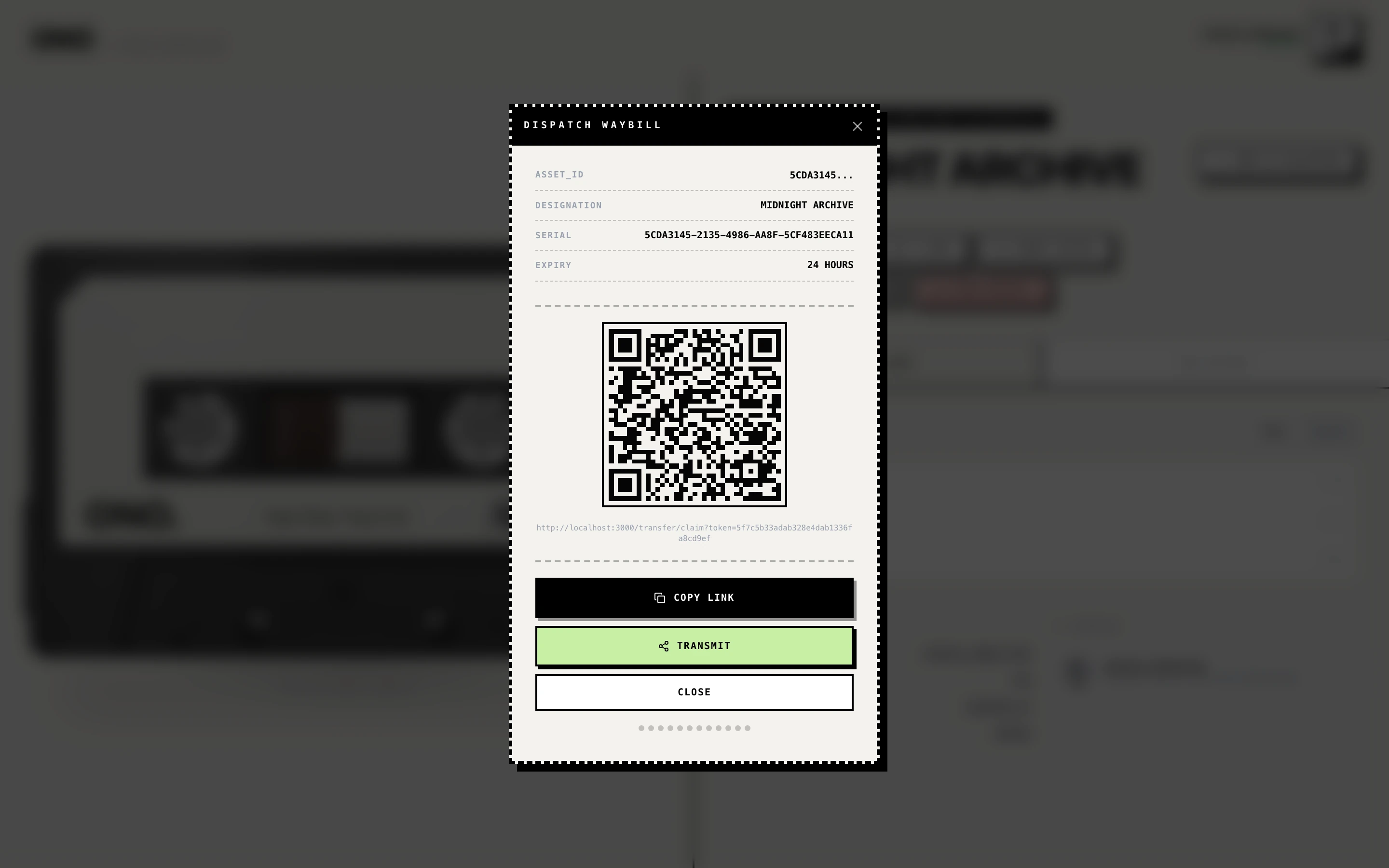
TRANSFER
Permanent tapes can be transferred by generating a dispatch link. Loaner tapes cannot be transferred. Only [ SEALED ] or [ UNOPENED ] tapes are eligible, and the tape is locked in the Vault while a transfer token is active.
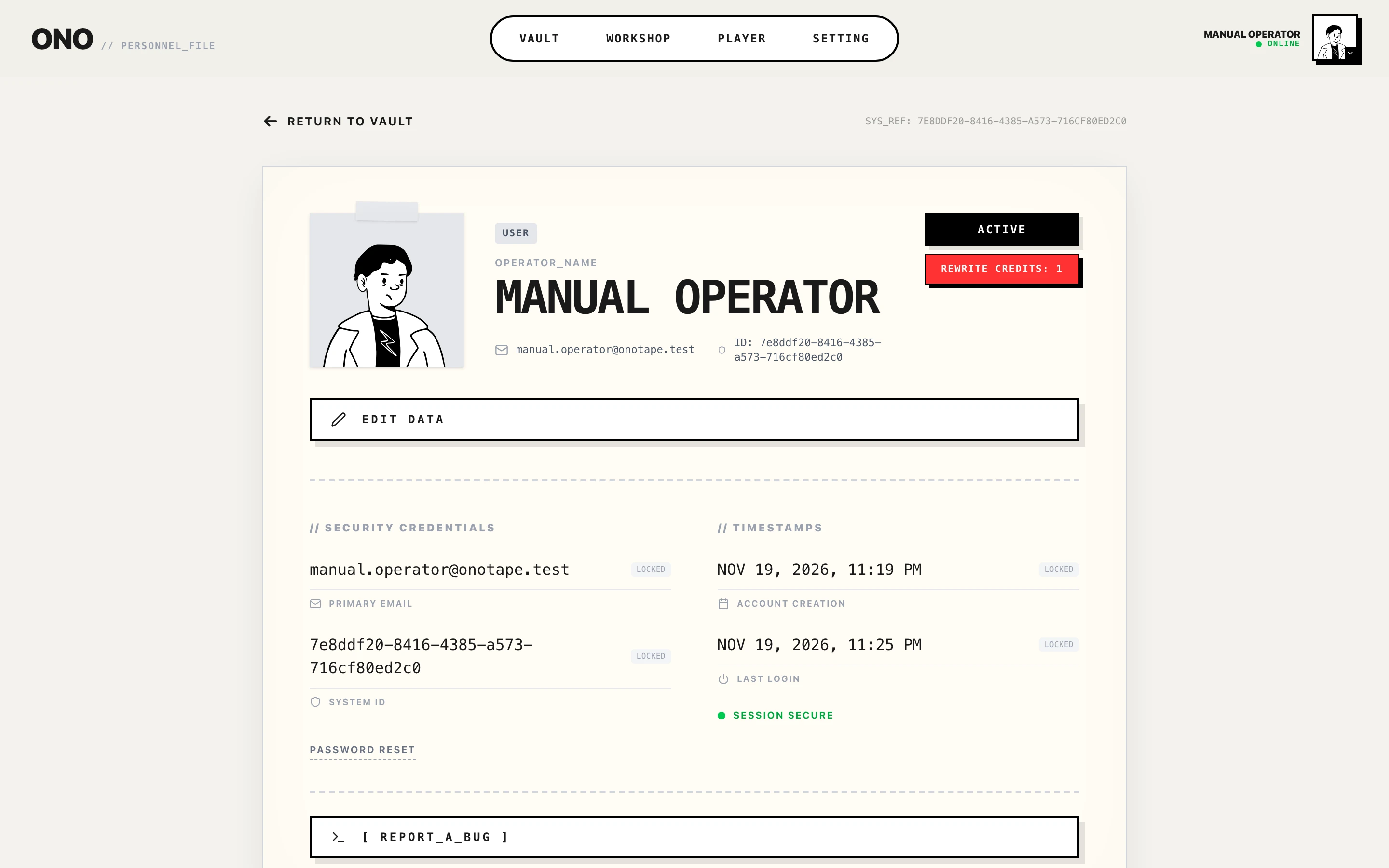
PROFILE
The Profile page stores your operator name, avatar, account timestamps, activity tools, rewrite credits, and security actions. Your avatar is shared between the top navigation and profile page, so changing it updates both.
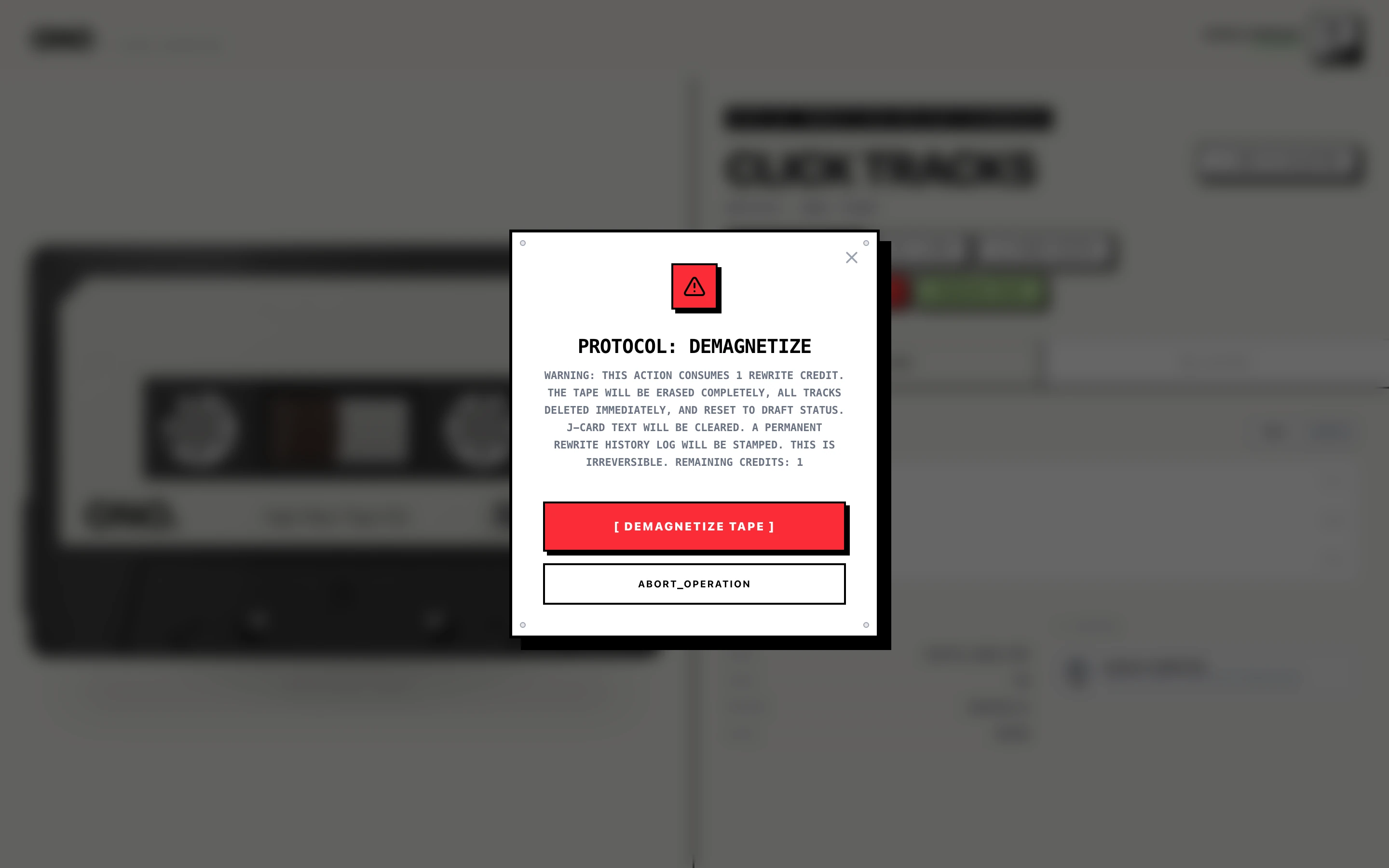
REWRITE
Rewrite credits are used for destructive reset operations on eligible sealed assets. A rewrite consumes one credit, erases every track, clears the note, and returns the tape to [ DRAFT ] so it can be recorded again in the Workshop. Loaner tapes cannot be rewritten.
REWRITE AND DEMAGNETIZATION ACTIONS ERASE RECORDED DATA. DO NOT USE THIS FLOW UNLESS YOU INTEND TO CLEAR THE TAPE.
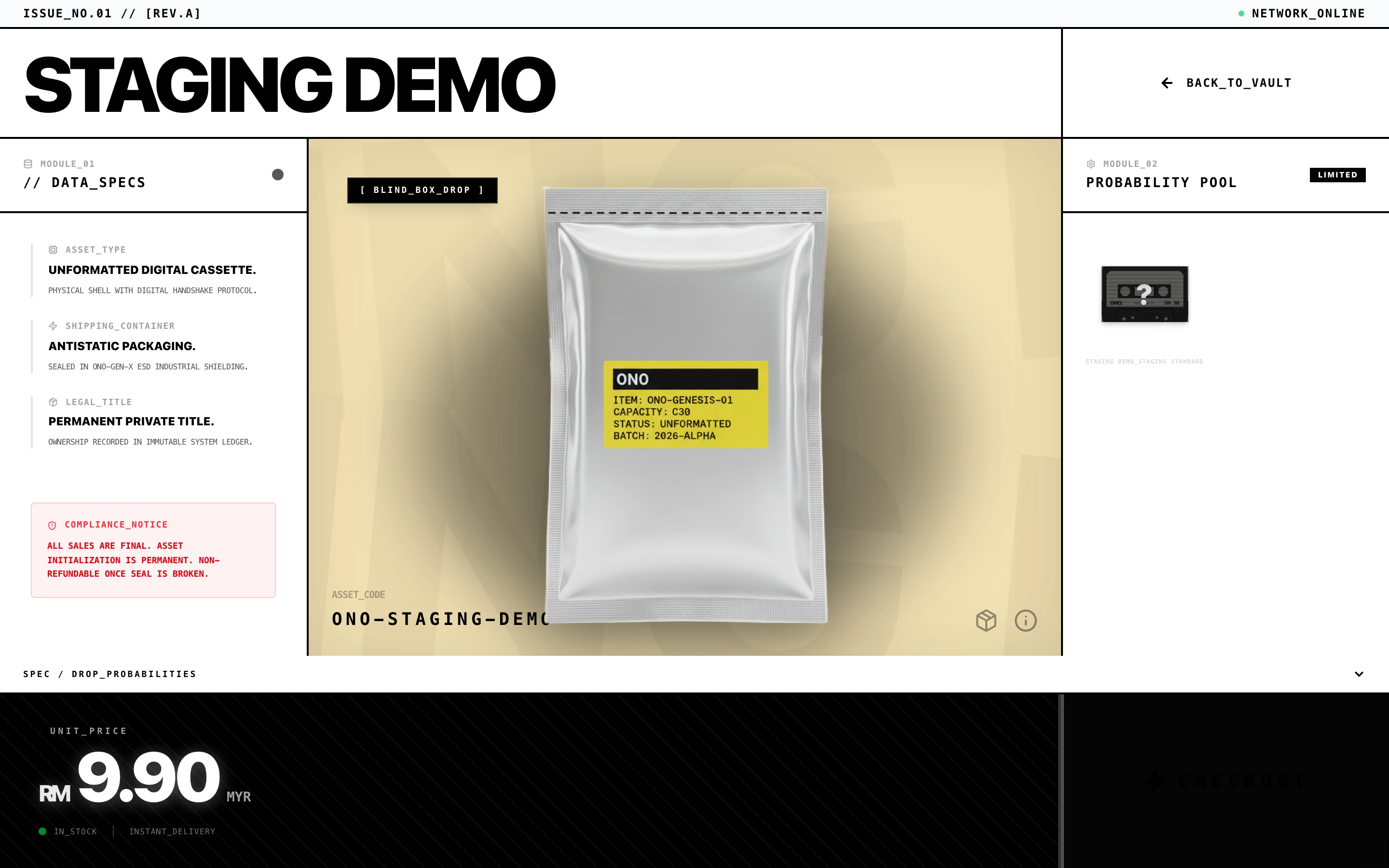
SHOP
The Shop sells blind-box packs for the active drop. Each pack contains one tape skin drawn independently from the published probability pool. Packs land in [ INVENTORY ] and must be opened in the Vault before use.
CLAIM
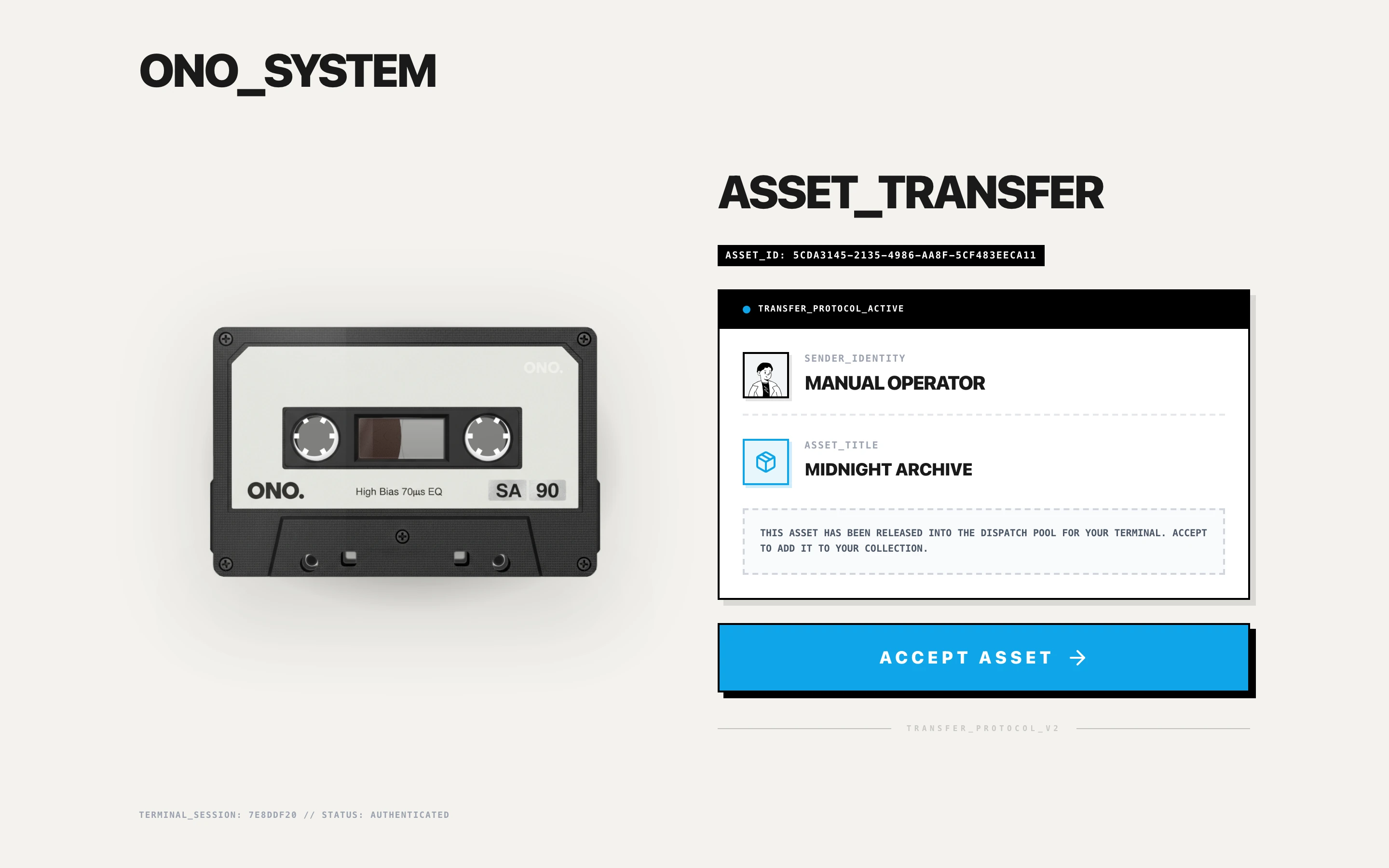
ONO has two incoming asset paths: a transfer dispatch link from another operator, and a physical claim code packed with hardware. Both require an account; guests can preview the asset first and then sign in, continue with Google, or create an account.
SETTINGS
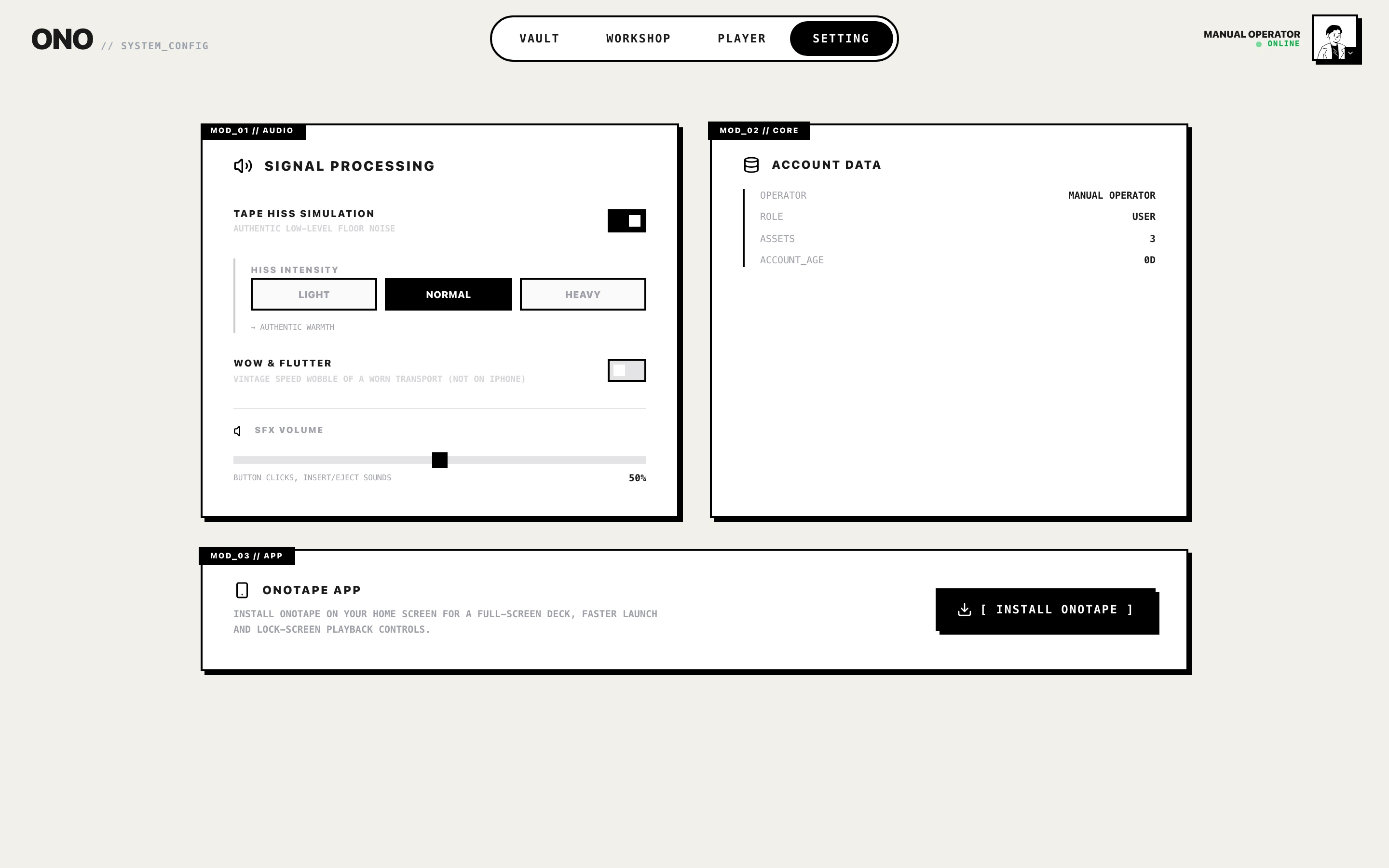
Settings configures the deck's audio simulation, handling and motion, and app installation. Settings apply to this browser only.
FAULT RECOVERY
Most faults are recoverable from the surface that reported them. The table below lists the common states, what they mean, and the recovery action.